
How to Use 10Web: A Practical Getting-Started Guide
By iDu Editorial · November 20, 2026
10Web is an AI-powered platform for building and hosting WordPress sites. Here is a walkthrough of how its website generator, hosting and dashboard fit together.
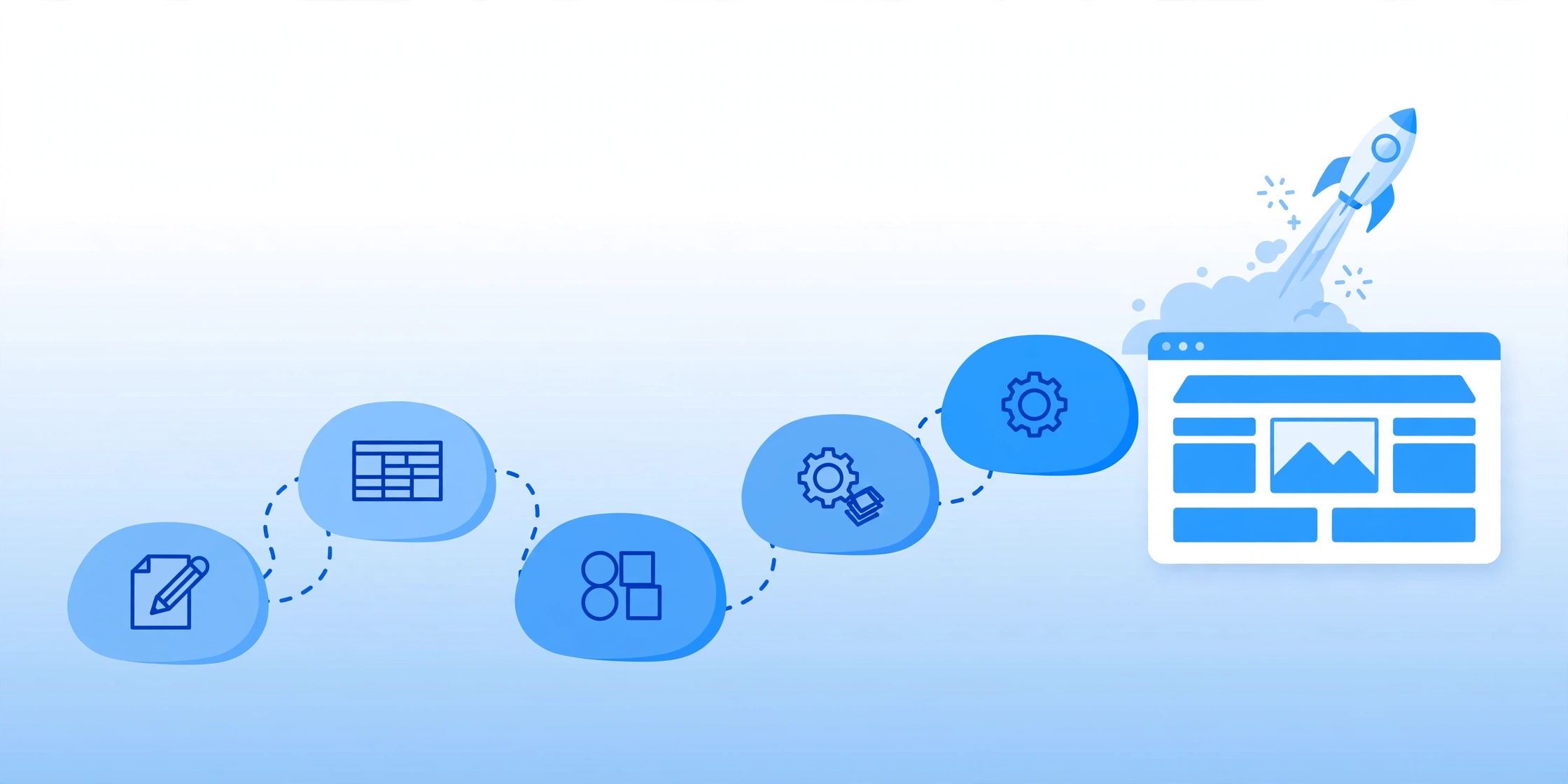
What 10Web Is
10Web is an AI-powered platform built around WordPress. Its homepage presents an AI website generator that can turn existing material — such as a Google Drive folder of docs and photos — into a laid-out website. The platform also covers hosting and a dashboard area for managing your site.
Before You Start
- Decide what you want to build. 10Web's generator is designed to work from content you already have, including documents and images.
- Gather your assets. The site describes bringing a Drive folder of docs, photos and sheets and having them laid out as a website.
- Create an account. Sign-up is handled through the 10Web site, with options that include signing in with Google or Facebook.
Step 1: Generate a Website
The core of 10Web is its AI website generator. On the homepage you describe what you want, and the platform builds a site from that input. The generator supports several input routes:
- Text prompts entered into the generator field.
- Voice input, via an audio recorder built into the generator interface.
- Figma input, so designs can be brought in from Figma.
- Existing files, such as a Drive folder containing documents and images.
Step 2: Review and Customize
Once a site is generated, you can view and customize it. The platform's sign-up flow references viewing and customizing your website, and the theme includes a plan editor for adjusting the generated output. Treat the first generation as a starting point and refine content, imagery and layout from there.
Step 3: Manage Your Site From the Dashboard
10Web provides a dashboard at my.10web.io, which includes a chat page for interacting with the platform. This is where you manage the site you have generated rather than working from the marketing site.
Step 4: Choose a Plan
10Web publishes a dedicated pricing page for its platform. Plans and what they include are listed there, so check that page for current plan details before committing. If you need help deciding, the site includes a "talk to sales" contact route.
Practical Tips
- Start with real content. Because the generator can work from your own documents and photos, feeding it genuine material is likely to produce a more useful first draft than a vague prompt.
- Use voice or Figma input if you already have them. Both are built into the generator, so you do not need to retype or rebuild what already exists.
- Keep the dashboard bookmarked. Day-to-day management happens at my.10web.io, not on the public site.
Related Tools
If you are assembling a broader stack around your site, you may also want to look at Ahrefs for search research and Adobe Firefly for generating imagery. For AI-assisted workflows beyond website building, see AgentGPT.
Sources
Some links in our articles may be affiliate links. If you sign up or buy through them we may earn a commission at no extra cost to you. This never changes what we recommend. Full disclosure